For Digital Nomads
Remote work from an RV looks romantic on Instagram. In practice, it lives and dies on internet speed. "WiFi available" on a park brochure can mean anything from enterprise-grade fiber to 2 Mbps DSL shared across 200 sites.
A site that actually works for remote careers has strong park WiFi as a backup, clear line of sight for Starlink, or a cell signal strong enough for a mobile hotspot. Ideally all three.
What to look for
- Verified high-speed internet (ask about upload speeds, not just download)
- Starlink-friendly sites (open sky, no tree cover)
- Co-working space or a quiet clubhouse
- Mail and package delivery
- Reliable cell coverage for at least two carriers
Practical tips
- ·Test the internet before you commit. Most parks will let you run a speed test from the site.
- ·Pay for redundancy. Park WiFi plus a mobile hotspot plus Starlink means a failed connection costs you coffee money, not a client meeting.
- ·Look for communities with mail forwarding built in. A physical address matters more than you think when you're on your 6th state this year.
Communities that fit
A starting point. Open any listing for full amenities, ratings, and contact info.
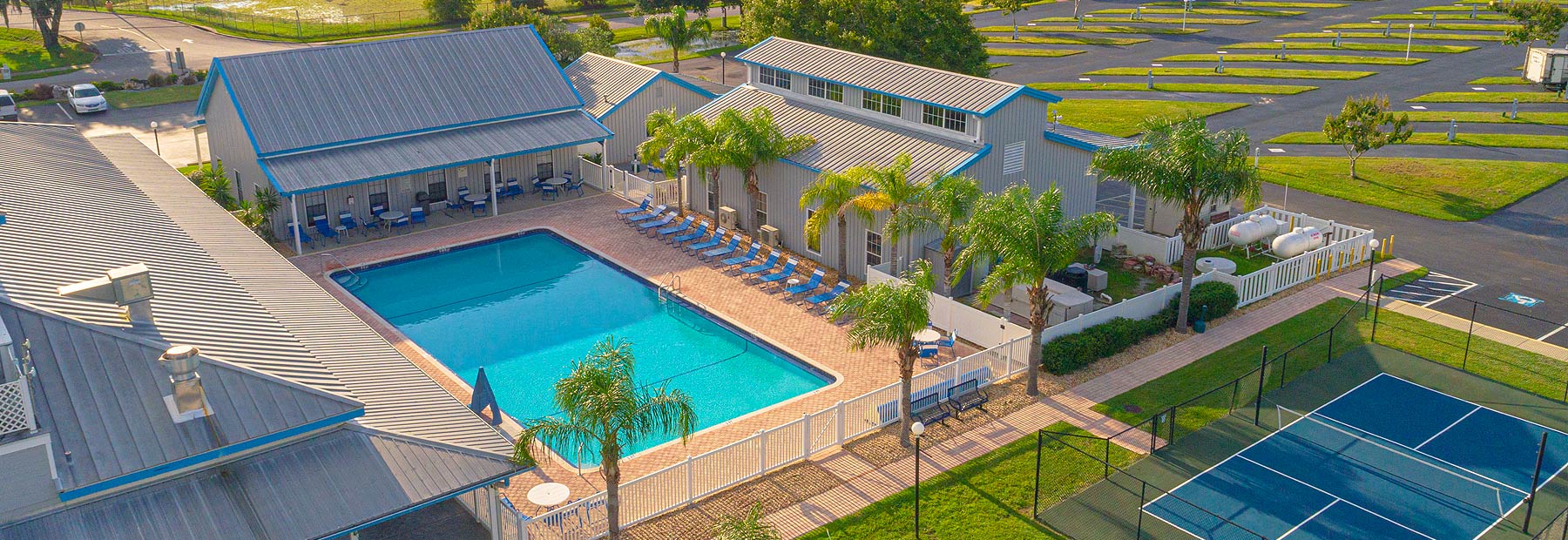
Blueberry Hill RV Community
Bushnell, Florida
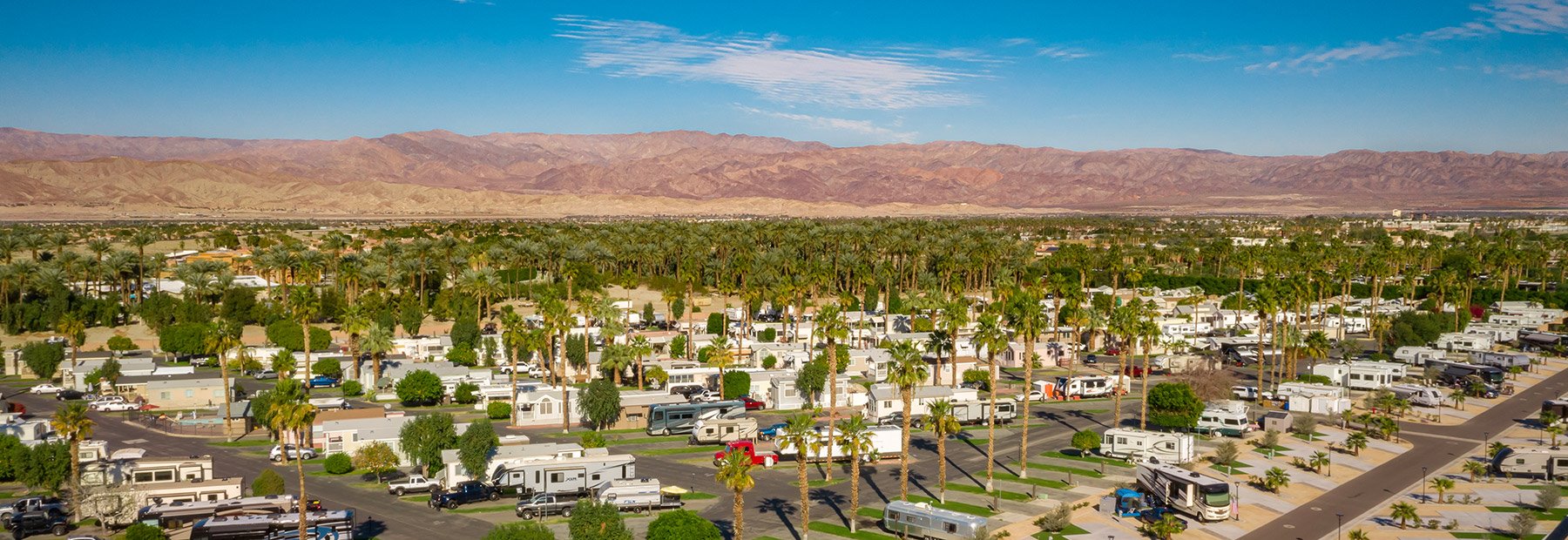
Indian Wells RV Community
Indio, California
 55+
55+
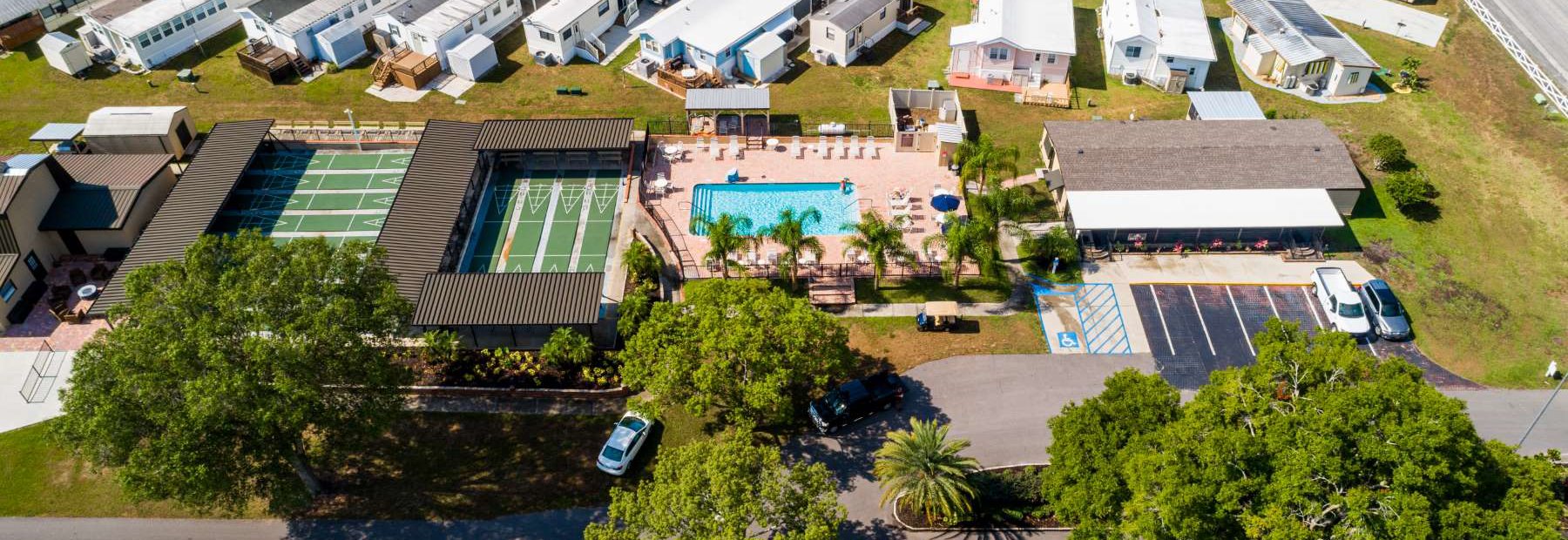
Baker Acres RV Community
Zephyrhills, Florida
 55+
55+
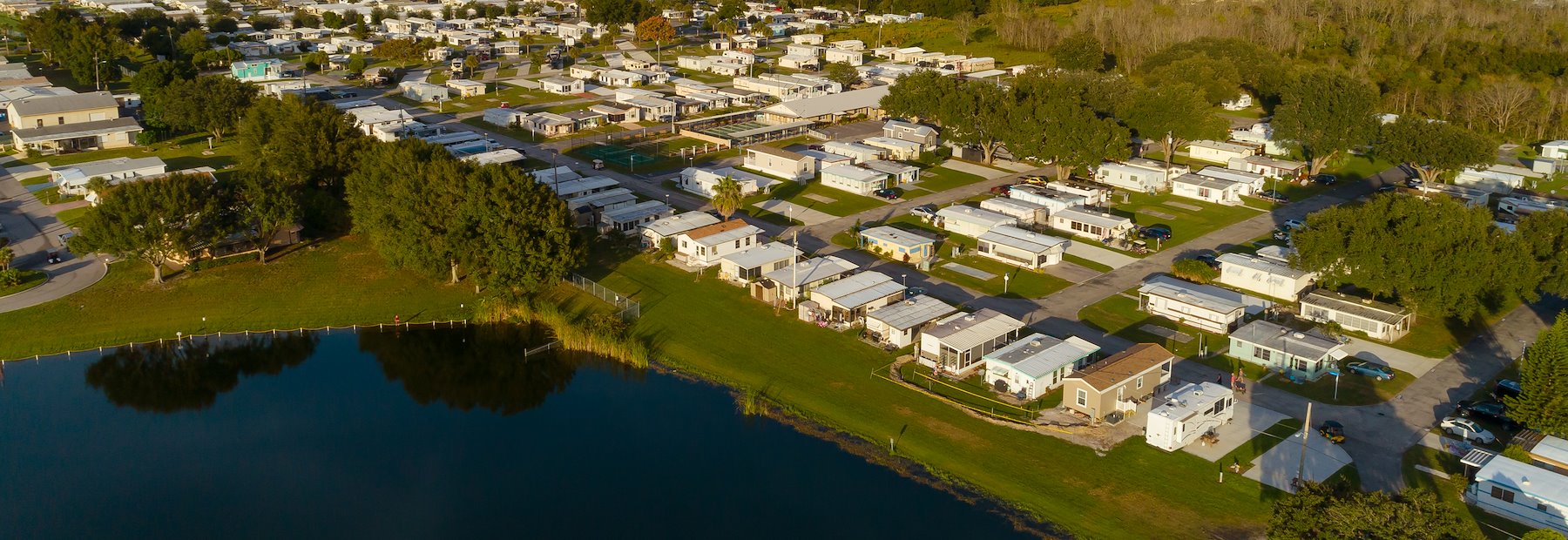
Central Park RV Community
Haines City, Florida
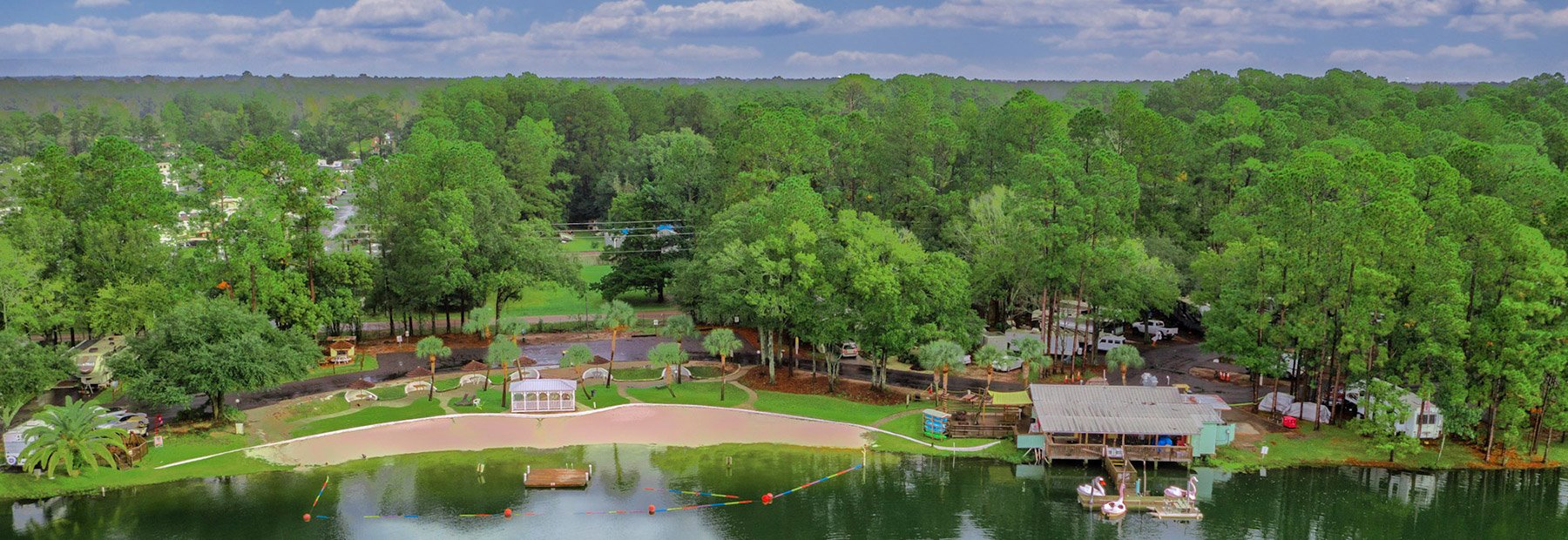
Flamingo Lake RV Community
Jacksonville, Florida
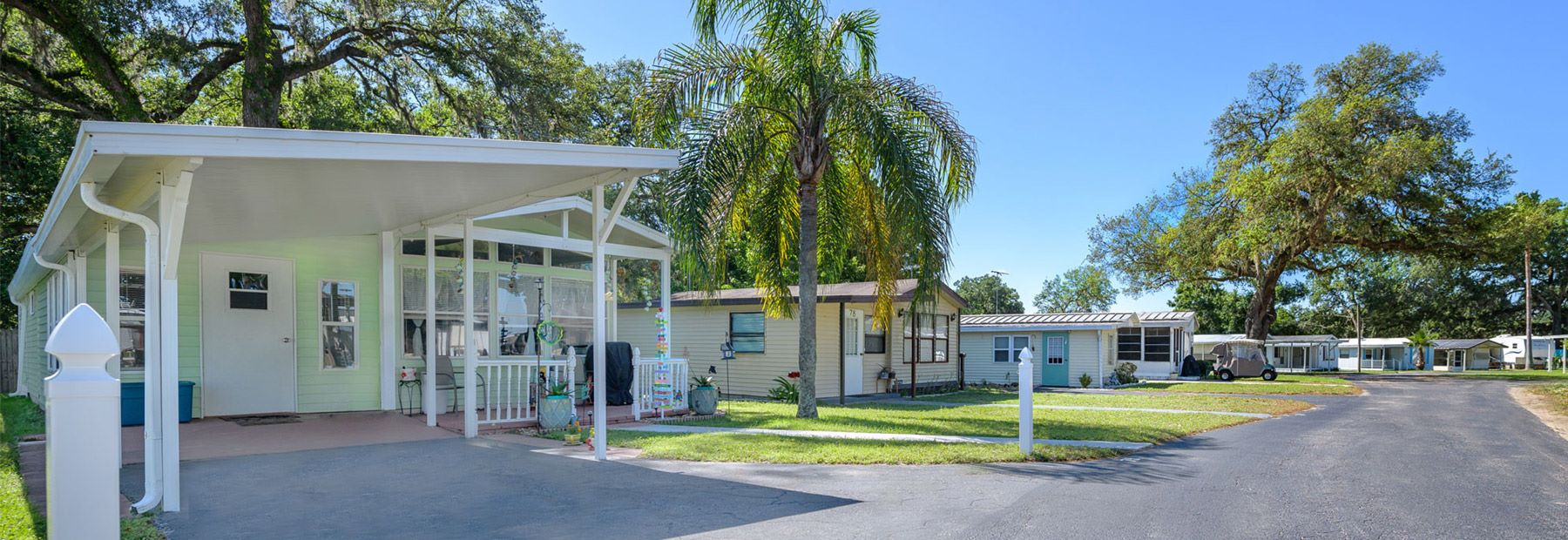 55+
55+
Citrus Hill RV Community
Dade City, Florida
A note on housing.
RV Annual welcomes all renters and households. Community pages describe lifestyles, occupations, and use cases. Nothing here signals a preference or limitation based on race, color, national origin, religion, sex, familial status, or disability. Communities marked 55+ are self-designated by the operator under the Housing for Older Persons Act (HOPA) and are subject to that law. See our Fair Housing statement.